Journey to the Watchtower Calculator — Insanity, Upgrades & Distance
Three planning tools in one place: an income planner for the currency you farm, a countdown that compares two upgrade picks, and a converter that rescales a HUD pace value. Every figure comes from you — this page ships no drop rates, prices or reward tables.
Add your sources, see hourly, session and weekly totals.
| Source | Per hour | Copies | Subtotal | Share | Remove |
|---|---|---|---|---|---|
| No sources yet. Add one row per income source — a run type, a code drop, a milestone — and type the amount you measured over one hour. | |||||
Every figure above comes from the rows you typed. Nothing on this page is a published drop rate or reward table.
Countdown to a target and compare two upgrades.
- Income after upgrade
- 0/h
- Total to earn
- 0
- New time to target
- —
- Time saved
- —
- Cost paid back in
- —
- Income after upgrade
- 0/h
- Total to earn
- 0
- New time to target
- —
- Time saved
- —
- Cost paid back in
- —
The comparison assumes your measured rate stays flat while you farm. Real runs vary with hazards, upgrades and rerolls, so treat the payback time as planning guidance and re-measure after a few sessions.
Rescale a HUD pace value and size up a distance goal.
| Window | Distance | Exact studs |
|---|---|---|
| Per second | 0 | 0 |
| Per minute | 0 | 0 |
| Per hour | 0 | 0 |
| Per run (3 min) | 0 | 0 |
Studs are the unit the in-game Farthest board uses. This tool only rescales the number you typed — it does not know your real movement speed, and hazard stops are not modelled.
What the three tools answer
The run loop rewards repetition: cross the desert, die, spend what you earned, go again. That structure makes two questions worth answering before a session — how much currency an hour of your current route actually produces, and whether the next upgrade pays for itself before you would have reached your target anyway. Both are arithmetic on numbers only you can measure, which is exactly what the tools above do.
The income planner takes one row per source. A row can be a run type you timed, a code drop you are about to redeem, or a milestone you hit on a good attempt. Type the amount you measured over one hour, set how many copies you expect, and the table shows each row’s share of the total next to per-hour, per-session and per-week projections. Values accept shorthand such as 3.3K or 1.2M, so you can paste what the HUD shows.
Comparing two upgrades honestly
The goal tool answers the spending question. Give it a target amount and what you already hold, then fill in two candidates: what each adds per hour and what it costs up front. It reports income after the upgrade, the new time to your target, the time saved, and how long the cost takes to pay back. A cheap upgrade with a small gain often beats an expensive one simply because its payback window is shorter, and the table makes that visible instead of leaving it to feel.
Reading the distance board
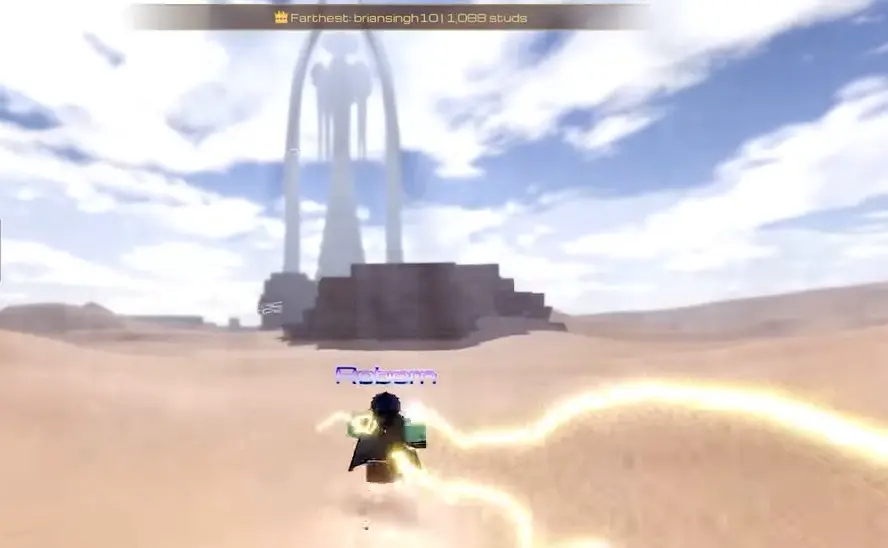
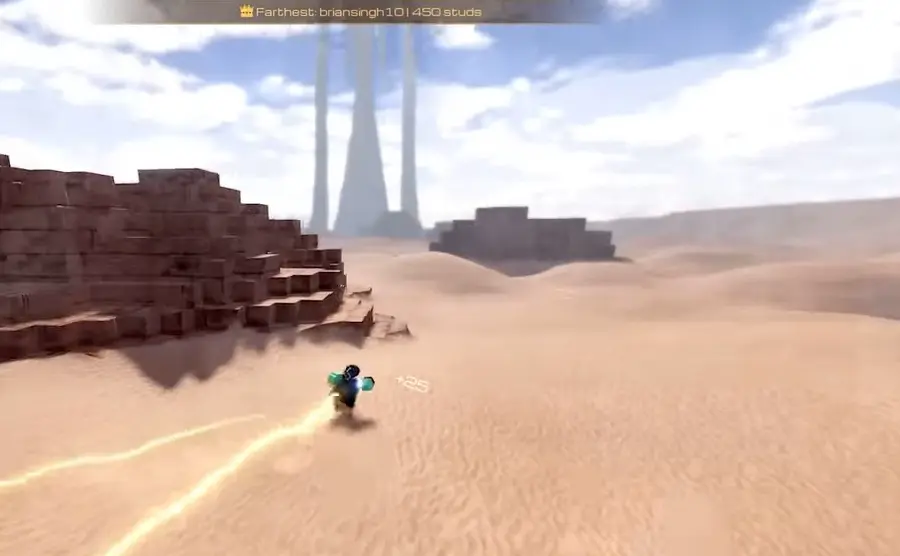
The Farthest board measures in studs, so the converter rescales whatever pace value your HUD shows into per-second, per-minute, per-hour and per-run distance. Add a target distance and it turns that into a time to cover and a count of average-length runs. It is a way to sanity-check whether a personal record is realistic before you commit an evening to chasing it.
What this page deliberately does not publish
No upgrade prices, drop rates, reward tables, currency multipliers or movement speeds appear here, because the checked sources do not publish them. The example rows are placeholders rather than measured values. Anything the game does not show you directly still has to be read off the current in-game menus. A planning model is only as good as the inputs you feed it, and a guessed input produces a confident-looking wrong answer.
Getting inputs you can trust
- Time three attempts of the same route, discard the worst, and use the median as your per-hour figure.
- Re-measure after any rebirth or large upgrade; a rate from last week is usually stale.
- Keep the session length honest — a two-hour figure is not the burst you manage on a good night.
- Save the numbers in the planner: the page stores them locally and puts the rows in the address bar so a plan can be shared.
FAQ
What does this calculator actually compute?
It does arithmetic on numbers you type in and nothing else. The income planner sums the sources you list, the goal tool divides what you still need by your measured rate, and the converter rescales a pace value across time windows. No result depends on a hidden table.
Where do the income numbers come from?
From your own measurements. Open the menu before a session, note your currency, play for a timed hour, then note it again. The difference is your per-hour figure. The example rows are placeholders you are meant to overwrite, not published values.
Is the upgrade payback time a promise?
No. It assumes your measured rate stays flat while you farm, which real play never is — hazards, deaths and rerolls all change the pace. Read it as a ranking between two options, then re-measure after a session or two to see whether the ranking held.
Why is there no upgrade price table?
Because no checked source publishes current prices, drop rates or reward sizes, and inventing them would make every result on this page wrong. Anything the game does not display directly — rebirth retention rules, Spirits & Sins weights, the effect of one stamina level — still has to be read off the live menus.
Does the distance converter know my real speed?
No. It only rescales the value you enter, and it does not model stops, hazard detours or the sandworm interrupting a run. Use it to check whether a personal record is plausible, not to predict an exact finishing time.
Are the numbers I enter stored anywhere?
They stay in your browser. The page saves your rows, options and goal in local storage on this device, and encodes the planner rows into the address bar so you can share a plan. Nothing is uploaded, and clearing site data removes it.
How often should I re-measure my rate?
After every rebirth, after a large upgrade purchase, and after any patch that touches movement or hazards. A rate measured before a balance change is usually misleading, and a stale input makes the payback comparison rank the wrong option first.
Sources and verification
These links show where this page's factual inputs came from. Community and independent references are not developer announcements.
- Roblox experience listing (Official) - Game identity, creator, player limit and public experience description
- Roblox Games API snapshot (Official) - Visits, favorites, active-player snapshot, creation and update timestamps
- PCGamesN codes guide (Community) - Code status and reward cross-check; a new refresh dated 2026-10-07T13:18:14Z lists only UPDATE5 and MOUNTS as active, so the six working strings it carried on September 27, 2026 (SKYBEAST, UPDATE4, HARDMODE, UPDATE3, WORMNERF and LIKES1K) have moved down and its four-of-six position is gone. Unchanged in the October 10 check
Page inputs checked .
Recommended guides

Data source: Official Roblox experience description and Games API snapshot for documented mechanics; community code trackers for currency names. All calculator inputs are user supplied. Last verified .